 Synvolve Solutions
A manufacturing chatbot is an AI-powered digital assistant that automates routine tasks for machine operators and streamlines shop floor operations. By connecting directly to ERP systems like SAP, Oracle NetSuite, or Microsoft Dynamics 365, a manufacturing chatbot handles production reporting, tracks completed tasks, logs downtime, and submits maintenance requests—all through a conversational interface. This reduces manual entry, minimizes errors, and accelerates data flow, making it a key tool for efficient, modern manufacturing.
What Is a Manufacturing Chatbot and How Does It Work?
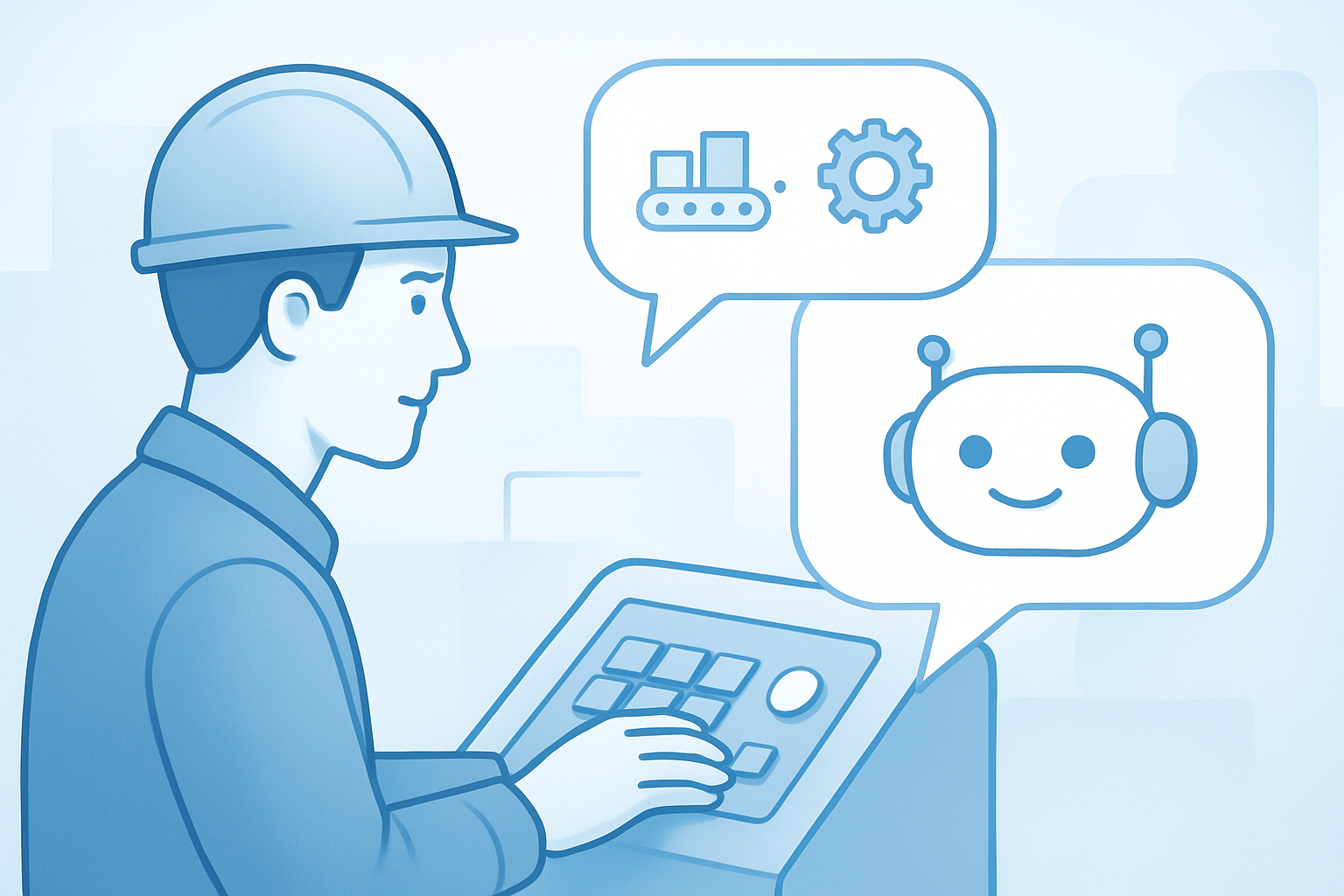
A manufacturing chatbot is a digital assistant designed to simplify communication and daily tasks for machine operators. Accessible via messaging apps, mobile, or web chat, this AI-driven tool allows operators to report completed jobs, log downtime, submit maintenance requests, and receive real-time instructions through simple conversations.
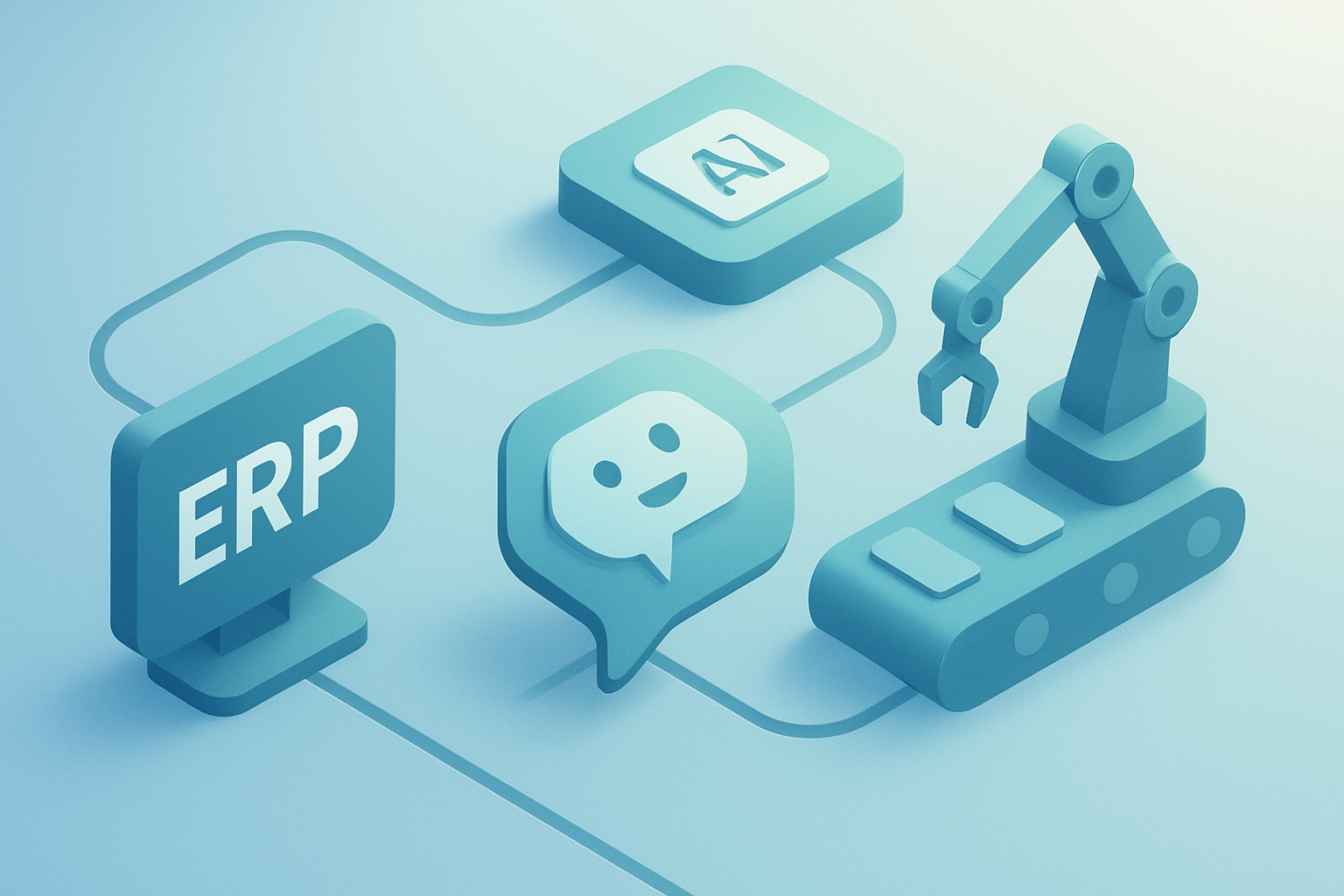
These chatbots integrate directly with ERP systems such as SAP, Oracle NetSuite, Microsoft Dynamics 365, Odoo, or Infor. Automatic data syncing keeps production records current and provides contextual suggestions based on live shop floor statuses. The main aim is to reduce repetitive manual work and minimize human error in reporting, tracking, and managing manufacturing workflows.
How Machine Operators Use a Manufacturing Chatbot
For example, when prompted to update equipment status, an operator can select from predefined options or enter custom details. The chatbot records this in the ERP, triggers notifications, and can guide the operator through actions like tooling changes or starting new production tasks. Routine processes—like submitting maintenance requests or generating shift reports—can be completed with just a few taps or a voice command.
Shop Floor Tasks Automated by a Manufacturing Chatbot
A manufacturing chatbot automates many repetitive shop floor tasks by integrating seamlessly with ERP systems. Key areas where a chatbot delivers value include:
- Dispatching Production Tasks and Shift Updates: Operators receive real-time assignments and shift priorities directly in their messaging app, eliminating manual checks.
- Equipment Status Notifications: Instant alerts about equipment faults or maintenance help minimize downtime.
- Downtime Reporting and Status Logging: Operators can log downtime or update machine status with a tap, automatically syncing with the ERP for accurate management records.
- Production Task Tracking: Every operator action is logged, supporting transparent oversight and accurate reporting.
For a tailored solution, Synvolve Solutions offers chatbot development that integrates with your existing manufacturing systems.
Benefits of Integrating a Manufacturing Chatbot with ERP
Connecting a manufacturing chatbot to ERP systems like SAP, Oracle NetSuite, or Microsoft Dynamics 365 creates a unified digital ecosystem. Operators get instant access to work orders, material availability, and equipment status. Management gains real-time visibility into shop floor activities, enabling proactive oversight and faster decisions.
Automated data capture reduces human error and provides a transparent, auditable trail of operator actions, supporting regulatory compliance and quality assurance. Real-time production data enables advanced analytics, helping manufacturers monitor metrics, identify bottlenecks, and optimize resources.
For more on custom chatbot development for your tech stack, see Synvolve Solutions’ approach.
Before and After: Automation Impact
Before: Operators spent up to 40% of shifts on calls, paperwork, and information searches—slowing production and increasing errors.
After chatbot deployment: Routine reporting drops to 5–10 minutes per shift. Data flows instantly to management dashboards, delivering real-time control and actionable analytics.
Implementation: Manufacturing Chatbot Integrated with ERP
A successful manufacturing chatbot rollout follows these core steps:
- Audit operator workflows: Identify repetitive tasks and current ERP interactions.
- Define chatbot requirements: Specify commands, user scenarios, and integration points.
- Choose a platform with ERP integration: Select one supporting REST API/webhooks and AI-powered natural language processing.
- Custom development and API integration: Build a tailored chatbot, connecting it to your ERP for real-time data exchange.
- Pilot testing: Trial with real production data, gather operator feedback, and launch an MVP without workflow disruption.
For broader automation, see how a logistics chatbot can streamline supply chain operations.
Example Operator Chatbot Queries
Operators might ask:
- “What’s my current task status?”
- “How much material is left?”
- “Create a maintenance request.”
The chatbot responds instantly, logs all interactions in the ERP, and accelerates problem resolution.
Technical Considerations: ERP Integration, Platform, AI
ERP Integration Modern ERPs like SAP, Oracle NetSuite, Microsoft Dynamics 365, and Odoo support integration via REST APIs and webhooks. REST APIs enable two-way data exchange—retrieving schedules and updating statuses. Webhooks provide real-time notifications, alerting operators about urgent requests or shift changes.
AI & NLP AI-powered chatbots can process complex queries, predict equipment downtime, and offer recommendations based on live ERP data. Natural Language Processing (NLP) makes the interface intuitive, allowing operators to interact in plain English and reducing training needs.
Choosing a Platform
- Integration: Ensure native connectivity to your ERP via REST API and webhooks.
- Scalability: Cloud-based SaaS platforms with flexible APIs are ideal for small and mid-size manufacturers.
- Customization: On-premise or hybrid deployments suit enterprises needing deep customization and security.
- AI/NLP features: Prioritize platforms with strong AI and NLP to streamline operator interactions.
All major ERPs offer REST API integration, making it straightforward to connect your manufacturing chatbot to your digital infrastructure.
Use Cases: Manufacturing Chatbots in Action
Here are typical scenarios where a manufacturing chatbot streamlines operations:
- Task assignment:
“Task #512 assigned to Machine #3. Start at 10:00 AM, materials available.”
- Progress logging:
“Operation completed. Downtime cause—missing tool, 12 minutes.”
- Shift summary:
“7 tasks completed, total downtime—22 minutes, deviations—0.”
This real-time tracking eliminates paperwork and redundant reporting, integrating seamlessly with ERPs like SAP, Oracle NetSuite, and Microsoft Dynamics 365.
Measuring Automation Success: Outcomes & Scaling
Once deployed, track your manufacturing chatbot’s impact:
ROI and Key Metrics
Compare time savings and error reduction against initial costs. Common results include a 30–50% reduction in cycle time and halved error rates. Monitor metrics such as task turnaround times, manual data entry hours, helpdesk ticket volume, and error frequency.
| Metric | Pre-Automation | With Chatbot | Typical Change Range |
|---|---|---|---|
| Maintenance request resolution (min) | 12 | 6 | -30%…-60% |
| Production errors per month | 10 | 4 | -50%…-70% |
| Support tickets/week | 15 | 5 | -60%…-80% |
| Manual data entry (% of shift) | 40 | 15 | -50%…-70% |
{{IMAGE_N}}
Scaling Your Solution
Monitor KPIs and update your manufacturing chatbot as shop floor needs evolve. Gradually expand integrations to cover more ERP modules and business processes, maximizing automation across departments.
Key Takeaways
- Audit operator workflows to identify tasks for automation.
- Choose a chatbot platform with seamless ERP integration (SAP, Oracle NetSuite, Microsoft Dynamics 365, Odoo, Infor), robust APIs, and scalability.
- Focus on automating core shop floor processes: task tracking, downtime logging, maintenance alerts, and job assignments.
- Roll out incrementally—pilot real-world use cases, gather feedback, and launch an MVP with minimal disruption.
Integrating a manufacturing chatbot with your ERP streamlines routine tasks and boosts real-time visibility across your factory. Learn how Synvolve Solutions can help automate your workflows with our manufacturing chatbot implementation services.
Frequently Asked Questions
What is the best AI for manufacturing?
Top solutions include IBM Watson, Siemens MindSphere, and Microsoft Azure AI. These platforms offer analytics, predictive maintenance, and integration for streamlined manufacturing.
What are the four types of chatbots?
The main types are rule-based chatbots, AI-powered chatbots, hybrid chatbots, and voice-enabled chatbots. They range from scripted interactions to advanced conversational AI.
Can I build my own AI chatbot for manufacturing?
Yes. Use platforms like Microsoft Bot Framework, Dialogflow, or custom development for ERP integration and automation of shop floor tasks.
How does a manufacturing chatbot integrate with ERP systems?
Integration uses APIs and webhooks for real-time data exchange, letting operators access work orders, report issues, and log data via the chatbot.
Can a manufacturing chatbot be scaled across multiple factories?
Yes. With modular architecture and cloud-based platforms, you can efficiently deploy and manage chatbots across multiple sites.